How to Share Code Snippets Online
A practical guide for developers who need to share code snippets quickly.
Woff field note
Published
4 min read
 Written by Woff Team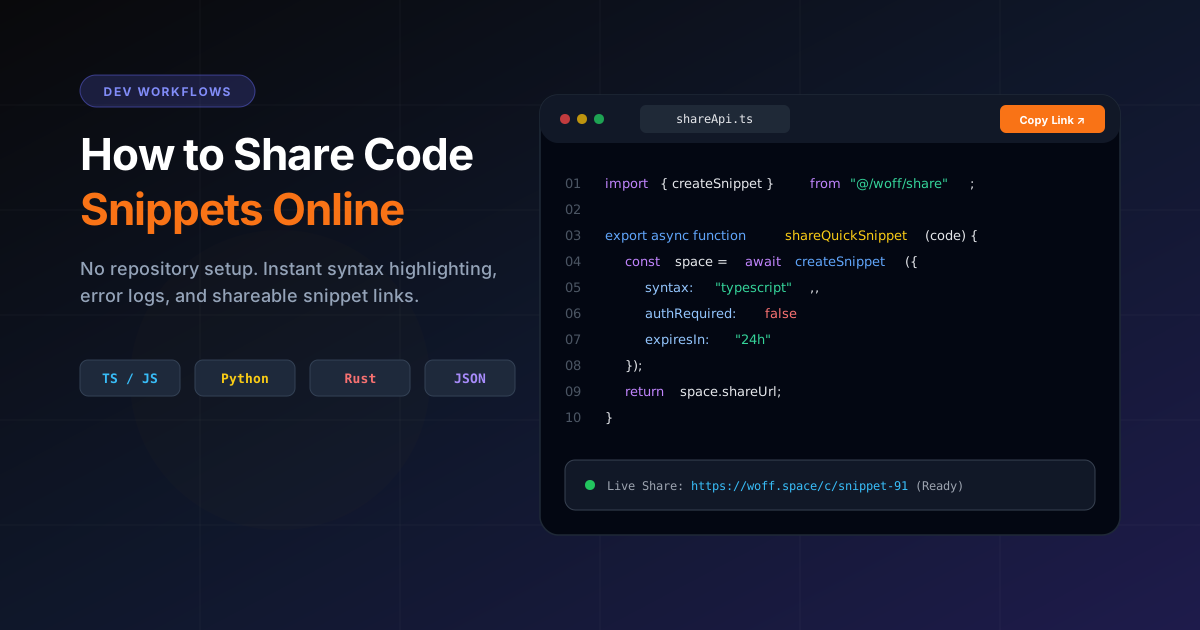
Developers share code every day.
Sometimes it is a bug example. Sometimes it is a command. Sometimes it is a short function, config file, API response, or terminal output.
For large projects, GitHub is the right tool. But for quick code sharing, you do not always need a repository.
You need a fast shareable space.
That is where Woff Space can help.
Why developers need quick code sharing
Development work moves fast. You may need to send code to a teammate, client, community, or support team.
Common situations include:
- Sharing an error message
- Sending a function example
- Explaining a bug
- Sharing a setup command
- Sending environment instructions
- Sharing a JSON response
- Showing a small UI component
- Asking for help in a community
In these moments, speed matters.
Why not just send code in chat?
Chat apps are fine for short messages, but code often becomes hard to read there.
Problems include:
- Formatting breaks
- Indentation gets messy
- Long snippets become unreadable
- Important context gets lost
- Multiple messages split the explanation
- It is harder to reuse the content later
A shareable code note keeps everything in one clean place.
How to share code snippets with Woff Space
1. Open Woff Space
Go to Woff Space in your browser.
2. Create a new space
Start a blank space for your snippet.
3. Paste your code
Add your code snippet, command, JSON, SQL, CSS, HTML, JavaScript, TypeScript, PHP, Python, or any other text based code.
4. Add context
Code is more useful when it has context.
Add a short explanation:
What I am trying to do
What error I am getting
What I already tried
Expected result
Actual result
5. Copy and share the link
Send the Woff Space link to your teammate, client, community, or support channel.
What to include with your code snippet
A good shared snippet should include more than just code.
Add:
- Language or framework name
- Short problem description
- Relevant error message
- Expected behavior
- Actual behavior
- Steps to reproduce
- Related files or screenshots if needed
This helps the receiver understand the issue faster.
Example structure for a shared code note
Title: Next.js API route issue

Problem:
The API route returns 500 when I submit the form.

Tech stack:
Next.js, TypeScript, Prisma, PostgreSQL

Expected:
The form should save data to the database.

Actual:
The request fails with a server error.

Code:
Paste code here

Error:
Paste error here
This structure saves time for everyone.
When to use Woff Space instead of GitHub Gist
GitHub Gist is useful for code focused sharing. But it usually requires a GitHub account and feels more developer specific.
Woff Space is better when your code snippet needs extra notes, files, images, or mixed content.
Use Woff Space when you want:
- No login
- Quick sharing
- Code plus explanation
- Code plus files or images
- Temporary sharing
- A simple link anyone can open
Use GitHub Gist when you want a more permanent developer focused snippet.
Security tips for sharing code
Before sharing code online, remove sensitive data.
Never include:
- API keys
- Passwords
- Access tokens
- Database credentials
- Private URLs
- Customer data
- Secret environment variables
Replace them with safe placeholders.
Example:
API_KEY=your_api_key_here
DATABASE_URL=your_database_url_here
This protects your project while still making the code understandable.
Who can use online code sharing?
Woff Space can help:
- Frontend developers
- Backend developers
- Students learning programming
- Freelancers
- Technical support teams
- Open source contributors
- No code builders
- Product teams
Anyone who needs to explain a technical issue quickly can use it.
Final thoughts
Sharing code snippets should be fast, readable, and simple.
For big codebases, use GitHub. For quick snippets, bug explanations, setup commands, and mixed notes, Woff Space is a clean option.
Create a space, paste your code, add context, and share the link.