Quick Tips: Speed Up Your Woff Workflows
Three power-user tips to move faster in Woff: keyboard actions, instant uploads, and clean sharing.
Woff field note
Published
1 min read
 Written by Rizvi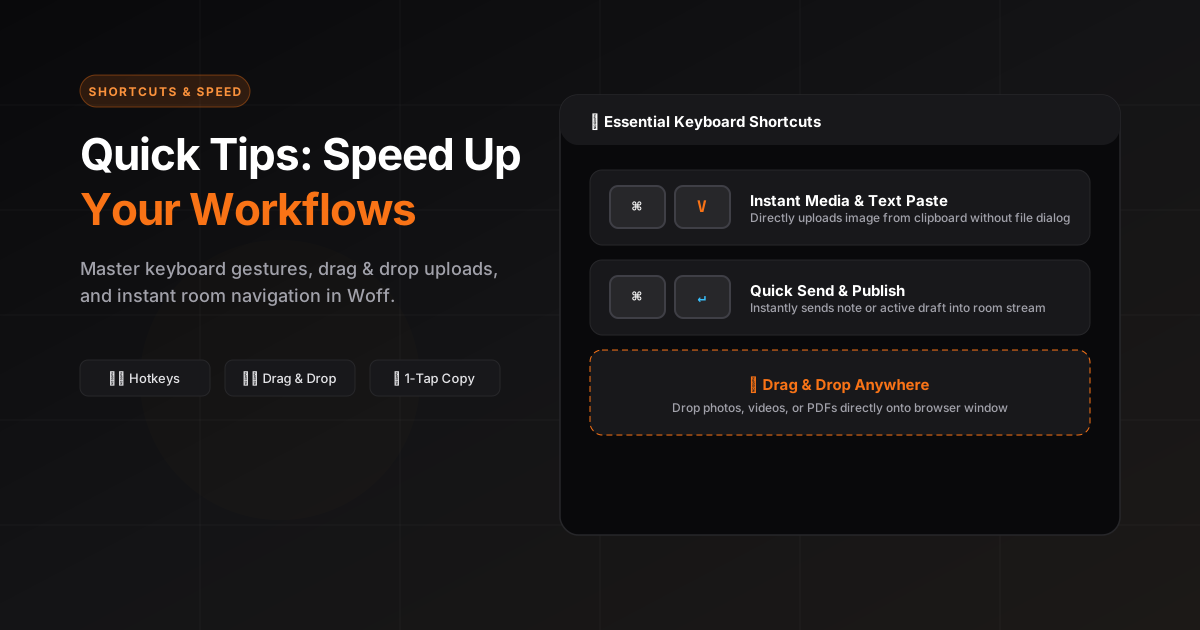
Use keyboard-driven actions to keep momentum. Common actions like copy, download, and open are right where you need them.
Drag and drop images or files directly into a space — they upload instantly and render beautifully.
Share your space link confidently. The interface is clean by default and looks great in both light and dark mode.
Paste is a first-class input
Copy text or an image, focus the space, and paste. Removing the save-download-upload loop is one of the quickest ways to shorten a handoff.
Keep the room chronological
Add corrections as new context or edit your own message when it is only a typo. A clear timeline helps everyone understand what changed and when.
Use the activity browser for retrieval
When a room contains many entries, filter the activity browser instead of scrolling through every message. This is especially useful for image-heavy or file-heavy spaces.
Share the link and the purpose together
A short sentence such as “Review the circled header spacing” is more useful than a bare room link and usually prevents a follow-up question.