5 Tips for Faster Sharing with Woff
Speed up your workflow with these quick tips for links, photos, and notes.
Woff field note
Published
2 min read
 Written by Rizvi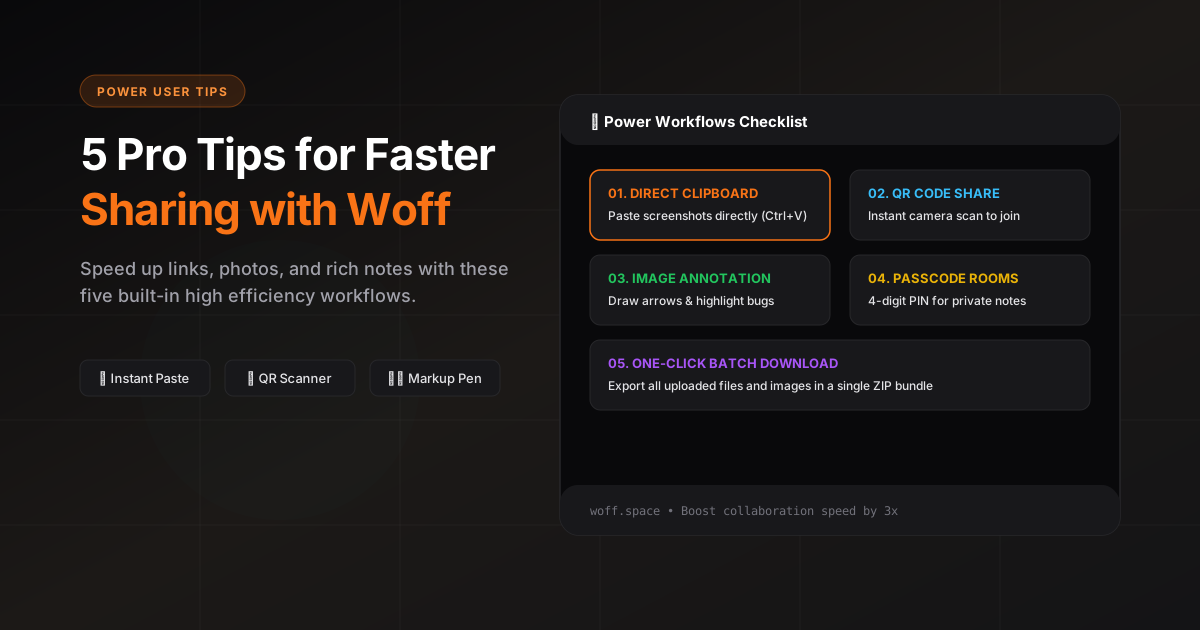
Use the '+' menu to quickly add photos, notes, or drawings.
Share a space via QR code for instant access across devices.
Protect a space with a passcode when collaborating beyond your team.
Try the rich note editor for headings, lists, and formatting.
Use the image viewer for multi-photo previews and quick downloads.
1. Lead with the purpose
Put the reason for the share in the first message so a recipient knows what to review or do before opening every attachment.
2. Group related files
Upload related images or files together. A single batch keeps context intact and makes the activity browser easier to scan.
3. Mark screenshots instead of writing coordinates
Use image markup to circle the exact control, error, or visual detail. The edited copy is sent as a new entry, so the original remains available.
4. Use a rich note for structured instructions
When a message needs headings, task lists, links, or several sections, create a note instead of sending a long chat bubble.
5. End with the next action
Close the handoff with one explicit request, owner, or deadline. Clear context is faster than more context.