How Teachers Can Share Class Notes Online With Students for Free
A quick, free way for teachers to share class notes online: create, paste, share a link — no accounts required.
Woff field note
Published
2 min read
 Written by Woff Team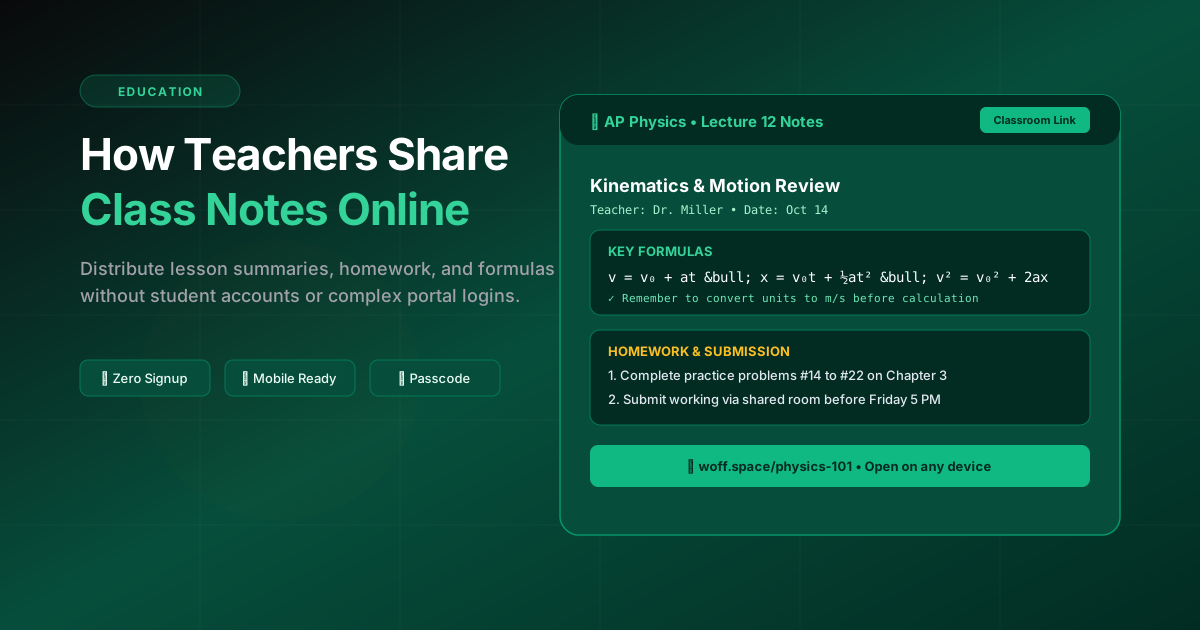
Teachers often need to get notes out fast. Woff creates a link you can post in LMS, email, or chat.
Open Woff, paste your notes, click Share. Students can view instantly on any device.
You can add a passcode if needed, and update notes later without changing the link.
Build the note around the next class
Start with the lesson date, topic, learning objective, and the one action students should take next. Put deadlines and required materials near the top so they are not buried beneath the explanation.
A classroom-ready structure
- Lesson summary in three to five sentences
- Key terms and definitions
- Worked examples or reference images
- Homework, due date, and submission instructions
- One place for corrections or follow-up notes
Make access predictable
Share the same link through the channel students already check, such as the class portal or group message. Use a descriptive label instead of posting a bare URL, and test the link in a private window before sending it.
Protect student information
Keep grades, contact details, accommodation notes, and other personal records in the school’s approved system. A quick shared space is best for lesson material that the whole class is allowed to see.