The Fastest Way to Share Meeting Notes Online With a Remote Team
Capture meeting notes and share them online with a remote team in seconds using an instant link.
Woff field note
Published
2 min read
 Written by Woff Team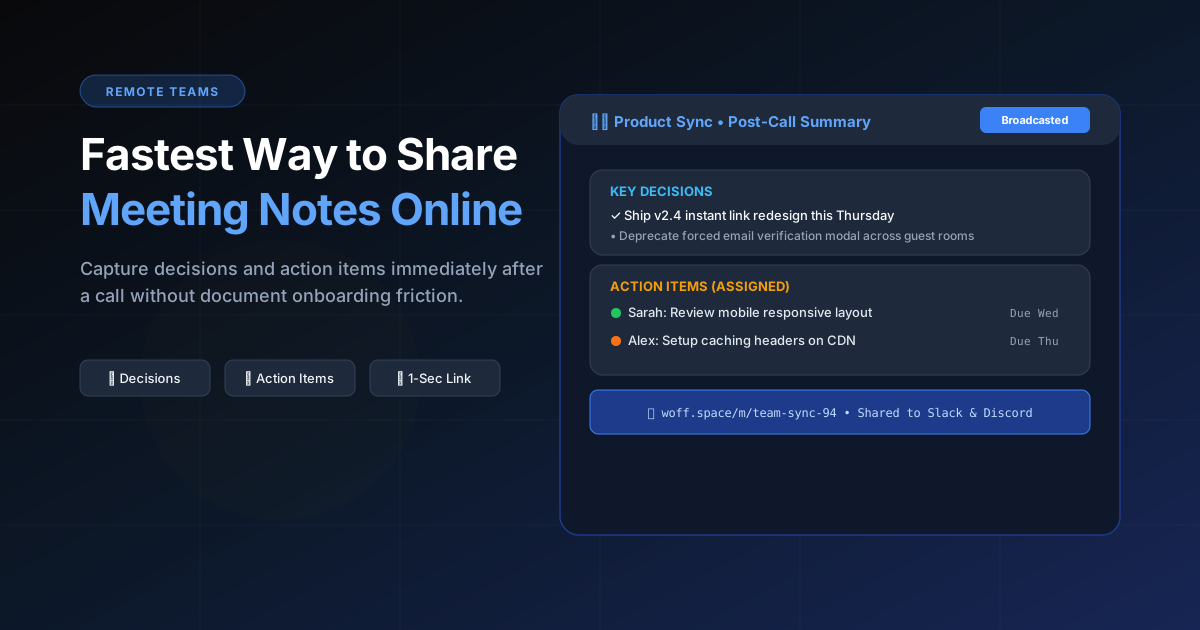
After a call, speed matters. Open Woff, drop your notes, click Share, and post the link in chat.
No file attachments, no permission hurdles — just one link the team can open anywhere.
When ready, move decisions into project tools. Use Woff for the fast capture and broadcast step.
Capture decisions, not a transcript
A useful meeting note records what changed: the decision, its owner, its deadline, and any unresolved question. A word-for-word transcript is harder to scan and often hides the work that must happen next.
Use a five-part meeting note
- Purpose and date
- Attendees who own follow-up work
- Decisions made
- Action items with owners and dates
- Open questions for the next meeting
Share while context is fresh
Send the note soon after the call and ask owners to correct names, dates, or decisions. When an action becomes long-running work, move it into the team’s project system and keep the quick note as the handoff record.
Avoid sensitive meeting data
Do not use a lightweight shared space for legal advice, personnel discussions, credentials, or confidential customer information. Match the tool to the sensitivity of the meeting.