A Simple Way to Share To-Do Lists and Grocery Lists Online With Family
Keep family to-do and grocery lists in sync by sharing a single link that anyone can open on any device.
Woff field note
Published
1 min read
 Written by Woff Team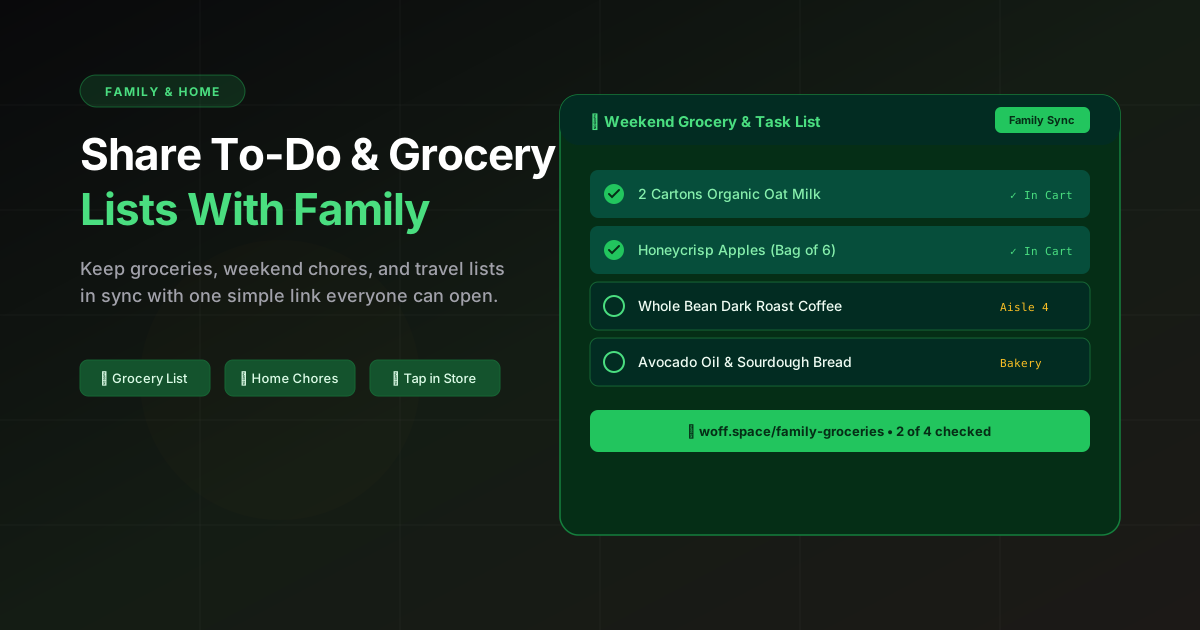
Create a list in Woff and share the link with family. Everyone can reference the same page.
Update the list before heading out; the latest version is always just a tap away.
Great for groceries, chores, travel prep, and quick household notes.
Give the list one clear owner
A shared list works best when everyone can contribute but one person decides how items are grouped and cleaned up. Without that small convention, duplicates and vague entries appear quickly.
Write items that are easy to act on
Use a quantity, item, and useful detail: “2 cartons oat milk” is better than “milk.” For chores, include the room or deadline. For travel, separate must-have documents from optional items.
Useful list sections
- Buy today
- Can wait
- Household chores
- Questions for the family
Reset the list regularly
Archive or replace completed lists instead of letting one page grow forever. A short current list is easier to trust, especially when someone is checking it from a phone in a store.