Best Free Online Notepad Tools in 2026 (and When You Should Use Woff)
Compare the top free online notepads in 2026 and learn when a fast, link-based notepad like Woff is the best fit.
Woff field note
Published
2 min read
 Written by Woff Team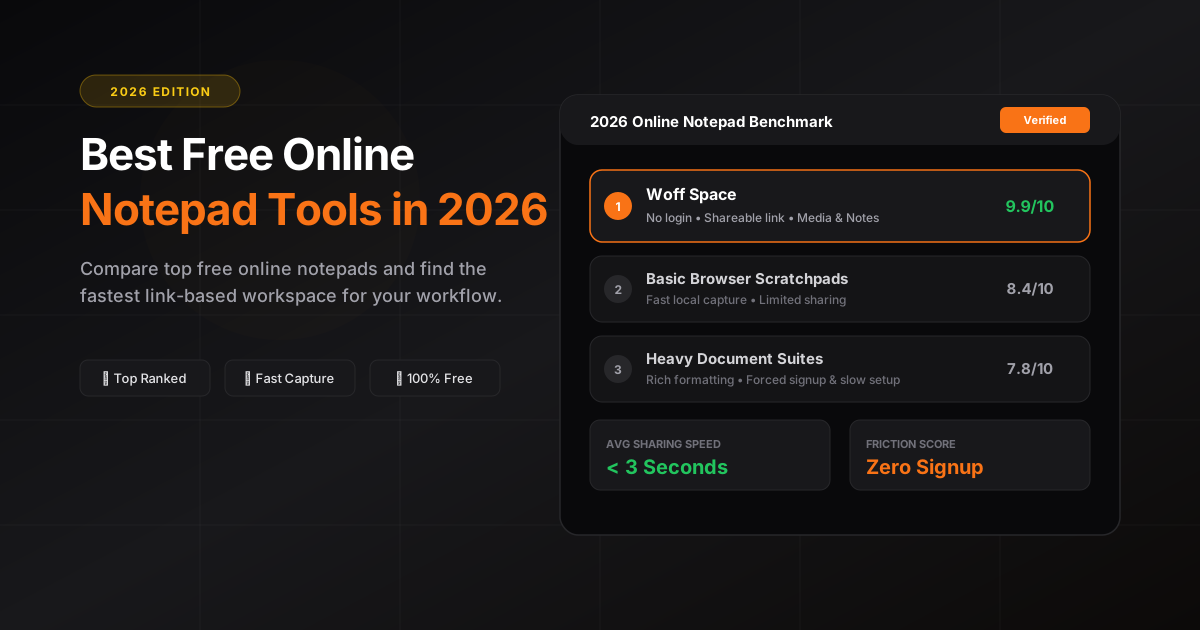
Online notepads shine when you need speed and simplicity. We review popular options and where each excels.
If instant sharing is your priority, Woff's no-login, shareable link model keeps you moving.
Use this guide to pick the fastest tool for your specific job: quick capture, comparison, or collaboration.
Start with the job, not the feature list
The best free notepad is the one that removes the most steps from the task in front of you. A private scratchpad, a collaborative document, a code paste, and a temporary handoff all need different levels of structure.
Before choosing a tool, decide whether the note must be searchable next month, editable by several people, formatted like a document, or simply opened from a link today.
Four useful categories of free notepads
- Browser scratchpads for quick personal capture
- Link-based spaces for sending text and files without account setup
- Collaborative documents for formal editing, comments, and permissions
- Knowledge-base apps for long-term organization and retrieval
A practical evaluation checklist
Check how quickly you can start, whether recipients need an account, what kinds of content are supported, how sharing permissions work, and what happens to old content. Also test the mobile experience instead of relying only on a desktop demo.
When Woff is the right fit
Choose Woff when the job is a fast handoff: open a space, add text, notes, images, drawings, or files, and send one short code or link. Choose a full document platform when you need permanent records, advanced permissions, or a long editorial workflow.