Pastebin Alternative for Simple Note Sharing
A positioning article comparing Woff Space as a lightweight Pastebin alternative for broader note sharing.
Woff field note
Published
4 min read
 Written by Woff Team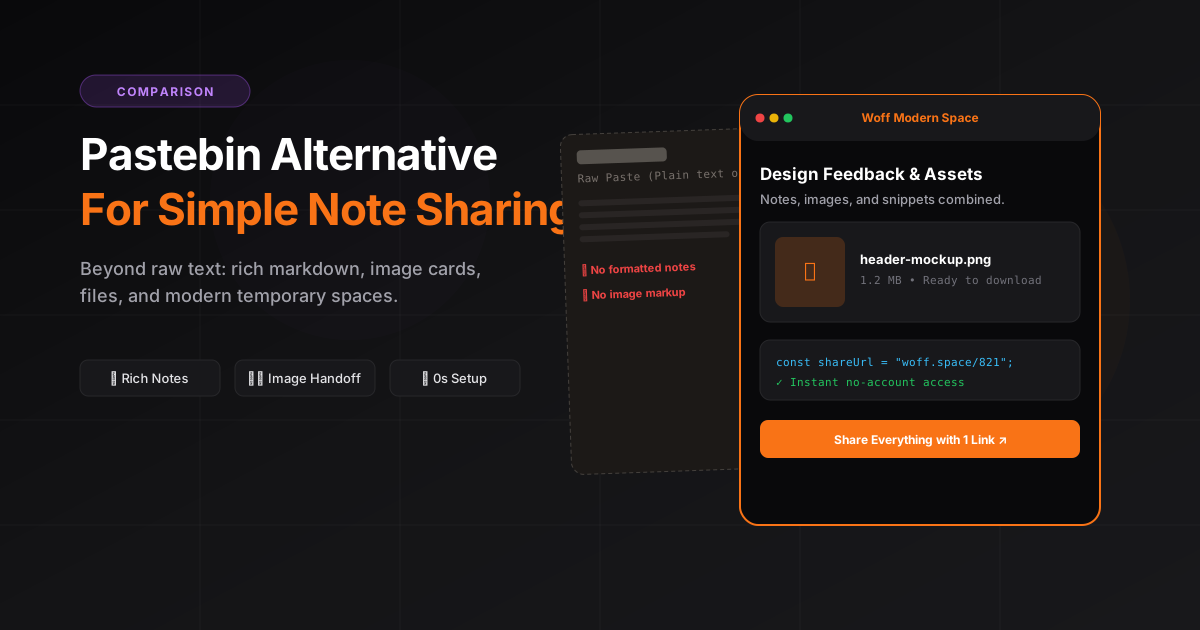
Pastebin is well known for sharing plain text and code snippets. It is useful, familiar, and simple.
But sometimes you need more than a basic paste.
You may want to share notes, files, images, markdown, code snippets, or mixed content in one place.
That is where Woff Space works as a simple Pastebin alternative.
What is Pastebin used for?
Pastebin is commonly used to share plain text online.
People use it for:
- Code snippets
- Logs
- Error messages
- Configuration examples
- Long text
- Temporary notes
It is especially popular with developers.
But not every sharing need is purely code based. Many people need a more flexible space.
Why look for a Pastebin alternative?
Pastebin is useful, but users may want something simpler, cleaner, or more flexible depending on the situation.
You may want a Pastebin alternative when you need:
- A cleaner writing experience
- Note sharing, not only paste sharing
- Support for files and images
- Markdown notes
- A modern interface
- No signup for quick use
- A more general purpose shareable space
The goal is not always to replace Pastebin. The goal is to use the right tool for the job.
Woff Space as a simple Pastebin alternative
Woff Space helps you create a shareable space instantly.
Instead of only pasting plain text, you can create a small online space for different types of content.
You can use it for:
- Notes
- Text
- Code snippets
- Markdown
- Images
- Files
- Instructions
- Temporary collaboration
This makes it useful beyond developers.
Pastebin vs Woff Space
| Feature | Pastebin | Woff Space |
|---|---|---|
| Plain text sharing | Yes | Yes |
| Code snippet sharing | Yes | Yes |
| No login quick sharing | Limited depending on use | Yes |
| Notes and mixed content | Basic | Stronger |
| File and image sharing | Limited | Yes |
| General workspace feel | No | Yes |
| Best for | Text and code pastes | Notes, files, code, and quick spaces |
When Woff Space is better
Use Woff Space when you need to share more than raw text.
For example:
- A designer sharing feedback notes with screenshots
- A developer sharing code plus explanation
- A student sharing class notes and images
- A freelancer sharing project instructions
- A founder sharing quick team notes
- A support agent sharing troubleshooting steps
Woff Space works better when the content has context.
When Pastebin may still be better
Pastebin may still be useful when you only need to share plain text or developer focused snippets.
If your only need is a simple code paste, Pastebin is familiar.
But if you need a flexible note space, Woff Space gives you a broader experience.
How to use Woff Space like Pastebin
The workflow is simple.
- Open Woff Space
- Create a new space
- Paste your text or code
- Add title and context
- Add files or images if needed
- Copy the shareable link
- Send it anywhere
You can use it for quick pastes, but also for richer notes.
Best practices for sharing public notes
Before sharing a note or code snippet, review the content.
Remove:
- Passwords
- API keys
- Access tokens
- Private URLs
- Personal information
- Company secrets
Use placeholders when needed.
Example:
token=your_token_here
password=your_password_here
This keeps the note useful without exposing private data.
Who should use Woff Space?
Woff Space is useful for:
- Developers
- Students
- Designers
- Freelancers
- Startup teams
- Support teams
- Content creators
- Anyone who shares quick information online
It is especially useful when you want speed without account creation.
Final thoughts
Pastebin is great for simple text and code sharing. But if you want a more flexible tool for notes, files, images, markdown, and code snippets, Woff Space is a strong alternative.
It keeps the workflow simple: create a space, add content, copy the link, and share.